
If you are choosing a crypto checkout, Coinbase Commerce is usually the first name you hit. It is a reasonable product from a large public company, and for a lot of merchants it is a fine answer.
This is a comparison written by a competitor, so read it that way. What we will do is be specific about where the two differ, and honest about where Coinbase Commerce is the better pick.
The short version
| Blockra | Coinbase Commerce | |
|---|---|---|
| Who generates the payment address | Your extended public key, on your device | Coinbase |
| Where funds land | Your wallet, on confirmation | Your Coinbase Commerce balance |
| Withdrawal step | None — nothing moved | Yes |
| Card payments | Yes, via your own Stripe account | No |
| Bank payments | Yes, via your own GoCardless account | No |
| Platform fee on payments | None on any plan | 1% |
| Account required with the provider | Blockra only | Coinbase |
| Chains | Bitcoin, Ethereum, Litecoin, Tron | Considerably more |
| Coins | BTC, ETH, LTC, TRX, USDT, USDC | Considerably more |
Where they genuinely differ
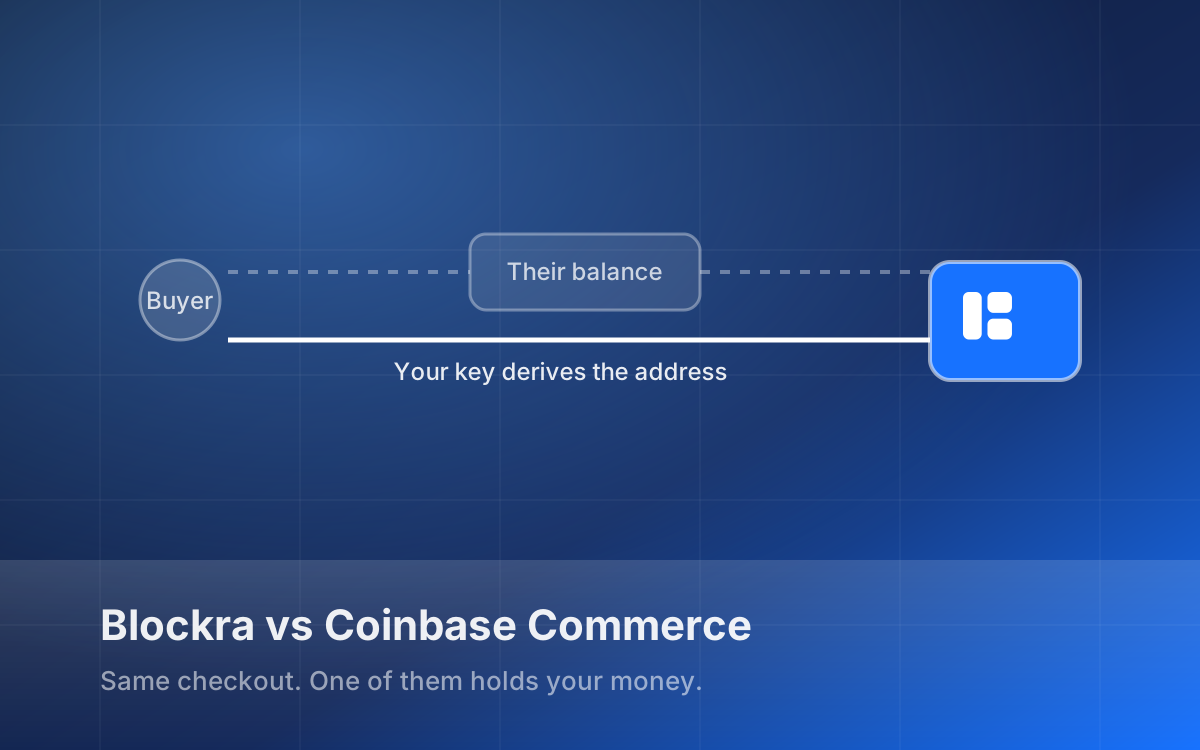
Custody. Coinbase Commerce generates the address your buyer pays and credits your Commerce balance. Blockra derives the address from an xpub you give us — a key that can derive addresses and cannot sign. The coins are in your wallet from the moment they confirm, because they never went anywhere else.
That is not a knock on Coinbase's security, which is better resourced than ours. It is a statement about what has to hold: with them, your balance depends on a company remaining solvent and willing. With us it depends on a key you hold. Both are risks; only one of them is yours to manage.
Cards. Coinbase Commerce is crypto. If you also want Visa and Apple Pay you are integrating a second processor, reconciling two dashboards, and sending buyers down two different paths. Blockra puts cards, crypto and bank debit on one checkout and one transactions list — but the cards run through your Stripe account, so Stripe's approval and pricing apply and we are not in the payout path.
Fees. Coinbase Commerce takes 1% of each payment. We take nothing per payment on any plan, including the free one; we charge a monthly subscription instead. Below roughly $3,900 a month in crypto volume, 1% is cheaper than our $39 Startup plan. Above it, we are. Do that arithmetic with your own numbers rather than ours.
Coverage. Coinbase supports far more assets and chains than our six coins across four networks. If you need a long tail of tokens, we are not the answer today.
Where Coinbase Commerce is the better choice
We would rather say this plainly than have you find out after integrating.
- You need broad asset coverage. Six coins is a deliberate cut, not a roadmap gap we are hiding. If your buyers pay in something we do not list, we cannot help.
- You want a balance you can spend from a familiar app. Non-custodial means you manage a wallet. Some merchants genuinely prefer not to.
- You are doing under a few thousand a month in crypto only. 1% of a small number is less than any subscription.
- Procurement needs a household name. A finance team signing off on a payment processor may simply require one, and that is a legitimate constraint.
Where we think we are the better choice
- You take cards and crypto. One checkout, one dashboard, one webhook stream, and neither rail routes money through us.
- You do not want a balance anywhere. Nothing to withdraw, nothing to sweep, nothing to lose if a provider has a bad year. We wrote about why that matters after merchants reported six-figure losses on a custodial platform.
- Volume makes percentage fees hurt. A fixed monthly cost stops scaling with your revenue at exactly the point percentage fees start to sting.
- You sell digital goods. Serial keys, files and licences deliver automatically on
payment.completed, with stock reserved when the payment is minted so two buyers cannot take the last key.
How to decide in one question
Ask: if this provider disappeared tomorrow, what would I lose?
With a custodial processor the answer is your balance. With Blockra it is a checkout page — annoying, a weekend of work to replace, and none of your money, because none of it was ever ours.
If that reasoning does not move you, the fee arithmetic above probably should. Either way, run both numbers before you integrate.
*Compare the products or see pricing. Facts about Coinbase Commerce here reflect their published documentation and pricing at the time of writing; check theirs before deciding, since they may change it.*